
From Builder to Architect: Pivoting the AI Mindset

You’re not just a user of AI. You’re the architect, the designer, the final word on what leaves your desk. Read about the two-step method to ensure that any AI-generated work meets your professional standards of excellence.
Navigating the Great AI Pivot: From Builder to Architect

Value used to come from “building” tasks, like drafting reports, which required time and effort. Now that AI can complete these tasks in seconds, sticking to this definition of value can lead to our obsolescence.
Stop Fighting Your Document: An Easier Way to Format
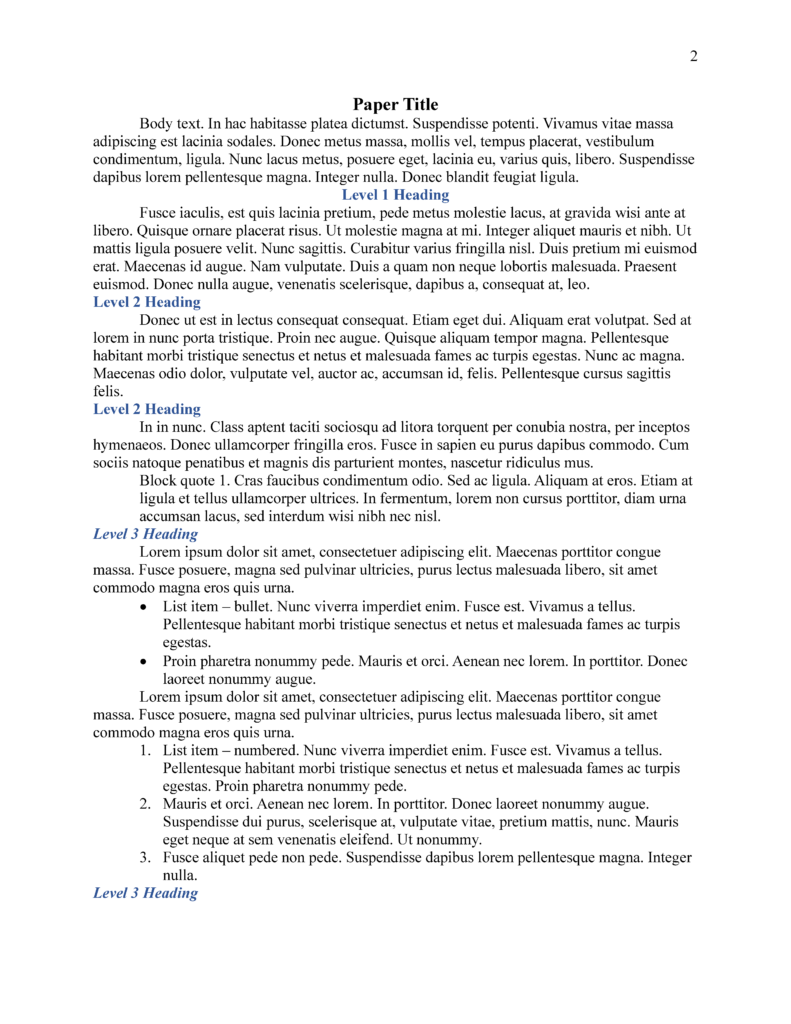
If you’re scrolling through pages, manually bolding text, you’re working harder than you need to. A better way is sitting in your toolbar. It is called Styles.
5 Easy Steps to Secure Your Zoom Meetings

Zoombombing can be unsettling for both participants and hosts alike. By implementing some proactive steps, we can safeguard our virtual spaces and foster a secure environment for everyone involved.
Stop Recopying: A Guide to Using Clipboard History
Ever been frustrated by the cycle of copying and pasting, only to have to re-copy items? Windows offers a solution to this common annoyance: Clipboard History.
Don’t Get Left Behind: Why Keeping Your Software Updated is Crucial
Have you ever clicked “Later!” on a software update? While it feels convenient, using outdated software can be risky, particularly with Windows 10 nearing its end.
3 Unexpected Ways Technology Can Save You Time

Want more hours in the day? Here are some lesser-known yet highly effective tech hacks that can help you reclaim valuable time.
Ditch the Mouse, Embrace the Keyboard: Text Selection Shortcuts

We’re sharing some super useful keyboard shortcuts that will let you select text like a pro, without ever leaving the keyboard. These shortcuts can save you time, reduce frustration, and make you feel like a tech genius.
Declutter Your Digital Life: A Spring Cleaning Guide
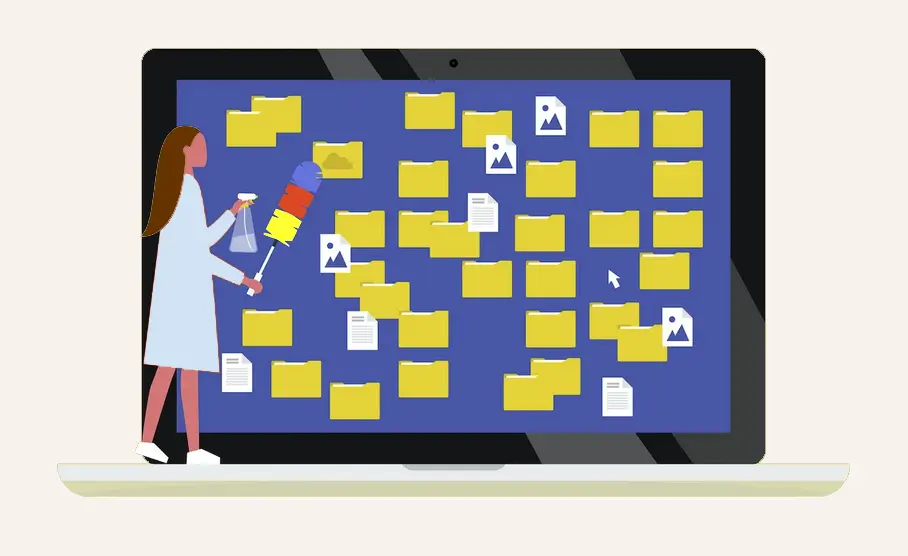
When was the last time you spring cleaned your digital spaces? Read more about how you can free yourself from your digital clutter, improve your productivity, reduce stress, and enhance your overall digital well-being.
What is Microsoft 365 Copilot? And what happened to Microsoft Office?

Microsoft Office has transitioned to Microsoft 365, evolving from a suite of applications to include cloud services like Teams. Recently, the Microsoft 365 app has been renamed the Microsoft 365 Copilot app, emphasizing the integration of Copilot within it.