
Many technology failures feel sudden, but they aren’t. They’re the end result of a long, quiet decline. Taking a simple inventory of what you have is one of the most practical things you can do to stay ahead of tech breakdowns. It doesn’t require technical knowledge or a lot of time, and it helps you plan to be ready before something goes wrong.
If you haven’t read this month’s post on why not planning for technology replacement is one of the most expensive mistakes you can make, start there for the bigger picture. This post is about what to do next.
Start with Your Devices
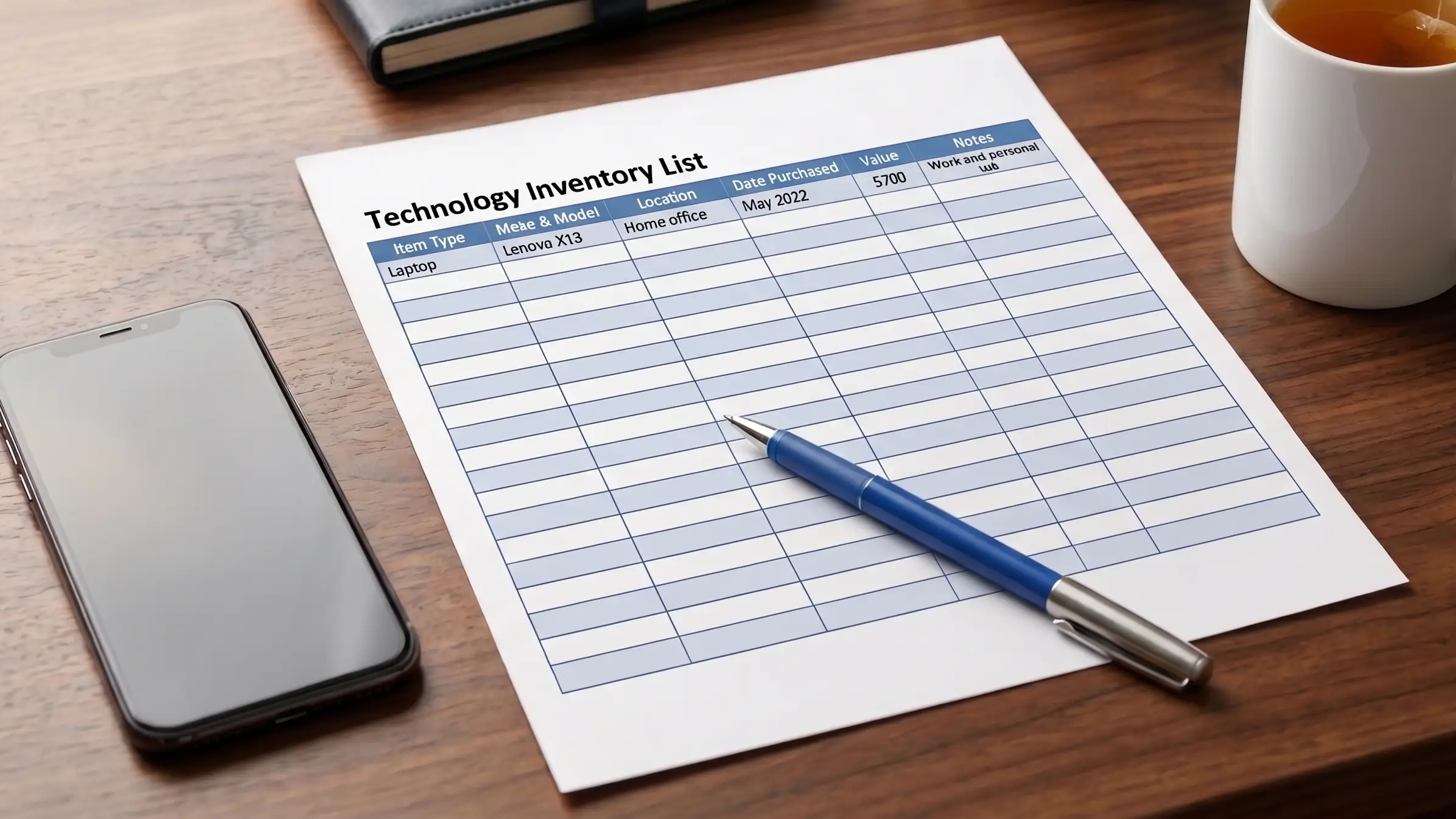
Write down every device you rely on for work or daily life. That includes laptops, desktops, phones, and tablets, but don’t stop there. Printers, webcams, mice, keyboards, and routers are easy to overlook because they work quietly in the background until they don’t. A router failure or a dead webcam the morning of an important meeting can halt your work just as effectively as a laptop failure.
For each device, note roughly when you bought it. You can include other information but that’s all you need for now.
Then Look at Your Software
For the key applications you rely on, check whether they’re still receiving updates. Software that’s out of support doesn’t just stop improving. It stops receiving security patches, which means vulnerabilities go unaddressed, and your data and accounts are exposed to risks that could be prevented. Microsoft Office, operating systems, and accounting or industry-specific tools all have defined support windows. If you’re unsure where to check, a quick search for the software name plus “end of support date” will give you a clear answer.
Out of support software isn’t something to put off. It’s worth addressing as soon as you know about it.
What You Do with the List
Different devices have different lifespans. Computers (including phones and tablets) typically hold up well for three to five years before performance and security support start to decline. Routers generally have a useful life of five to seven years. Peripherals like printers, keyboards, and webcams often last longer, but age and heavy use still take a toll.
Once you have your inventory, look for devices in or past their time frame and software that needs updating. Anything that flags as out of support needs attention soon. Everything else gives you a timeline to plan around, so that when replacements are needed, you’re making a considered decision rather than an emergency one. That’s what keeps technology working for you instead of against you.